Structured content model
Custom post types and fields designed around your real content, so the API returns something sensible rather than a wall of HTML.
Headless WordPress keeps the editor your team already uses and replaces the theme with a modern React or Next.js front end — faster pages, no plugin bloat, and content that can feed more than one place.

Headless WordPress splits a website into two halves. WordPress stays where it is, doing what it is genuinely excellent at — storing content and giving your team a familiar place to edit it. The theme layer, which is where most WordPress performance problems live, is replaced by a separate front end built in React or Next.js that reads the content over an API.
The result is a site that can be dramatically faster, because the pages your visitors load are no longer assembled by PHP on every request with a stack of plugins joining in. It also means the same content can feed a marketing site, an app and a partner’s system without being written three times.
The honest caveat is that you now own two systems instead of one. Some WordPress conveniences — live preview, plugins that inject front-end markup, a page builder — stop working the way editors expect unless they are deliberately rebuilt. Headless is a real advantage for the right project and an expensive detour for the wrong one, so most of this page is about telling the two apart.
Three practical differences, and what each one means for your team.

With Next.js, most pages can be rendered at build time or cached at the edge, so a visitor gets a ready-made page from a server near them instead of waiting for PHP, a database and a dozen plugins. This is where the biggest, most visible gain comes from.
Content lives in WordPress as structured fields and is delivered over REST or GraphQL. The same product description, article or landing page can feed the website, a mobile app and an internal dashboard without anyone copying and pasting.
This is the trade-off nobody mentions in the sales pitch. Live preview, some SEO plugins and anything that injects front-end markup need a deliberate replacement. We set up preview and structured SEO fields as part of the build, because a CMS your team distrusts is worse than a slow theme.
Everything needed for a headless site your team can actually run day to day.
Custom post types and fields designed around your real content, so the API returns something sensible rather than a wall of HTML.
A front end built for your templates, with static generation or incremental rendering where it helps most.
Draft preview wired back up, so editors can see a page before it is published.
Titles, descriptions, canonical tags, structured data, sitemaps and redirects rebuilt properly rather than inherited from a plugin.
Hosting and cache invalidation set up so a published edit appears quickly without rebuilding the world.
The WordPress install is hidden behind authentication and hardened, since it no longer needs to serve public traffic.
Headless is a performance and architecture decision, not a fashion statement.
Ask if headless suits youThe situations where the extra complexity pays for itself.
Thousands of pages where render time and crawl budget genuinely matter.
The same content feeding a website and a mobile or partner application.
Paid traffic landing pages where every hundred milliseconds has a measurable cost.
Configurators, calculators and dashboards that a theme cannot express cleanly.
Several front ends drawing from one content source with shared components.
Modernising the front end without throwing away years of WordPress content.
Boring, well-supported tools. No framework chosen because it was interesting.
As the editor and API, with custom fields and a locked-down admin.
Static generation, incremental revalidation and server rendering where each fits.
Whichever suits the shape of your content and the number of requests.
CDN caching with sensible invalidation, so edits appear without a full rebuild.
Six stages, starting with an honest check that headless is the right answer.
We look at your content, your team and your traffic and tell you whether headless is worth the added complexity. Sometimes the answer is no.
Post types, fields and relationships designed for an API rather than for a theme.
Templates designed for the real content, on desktop and mobile.
The Next.js or React application, with rendering strategy chosen per template.
Preview, SEO fields, roles and publishing tested by the people who will use them daily.
Migration, redirects, monitoring, and documentation covering both halves of the system.
Headless projects usually run 6–12 weeks — longer than a themed build, because there are two systems to fit together.
| Stage | Typical time | What you receive |
|---|---|---|
| Fit assessment & scope | 1 week | Recommendation, architecture, fixed estimate |
| Content model | 1 week | Post types, fields, API shape |
| Design | 1–2 weeks | Designed templates for every page type |
| Front-end build | 3–4 weeks | Staging front end reading live content |
| Editor workflow & launch | 1–2 weeks | Preview, SEO, redirects, training, go-live |
A headless build costs more than a themed one, and the running costs are different too — hosting for two systems, and a front end that needs a developer for structural changes. We set both out before you commit.
Get your estimateWe would rather tell you now than six months into a build. If several of these are true, a well-built classic WordPress site will serve you better.
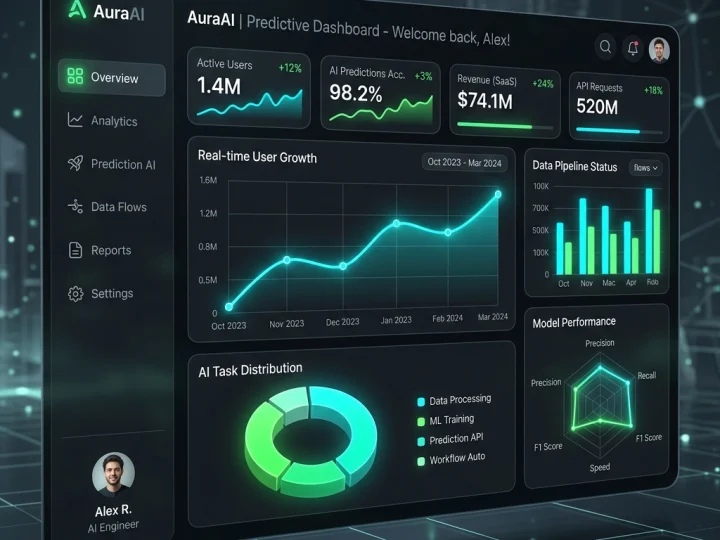
Get an honest assessment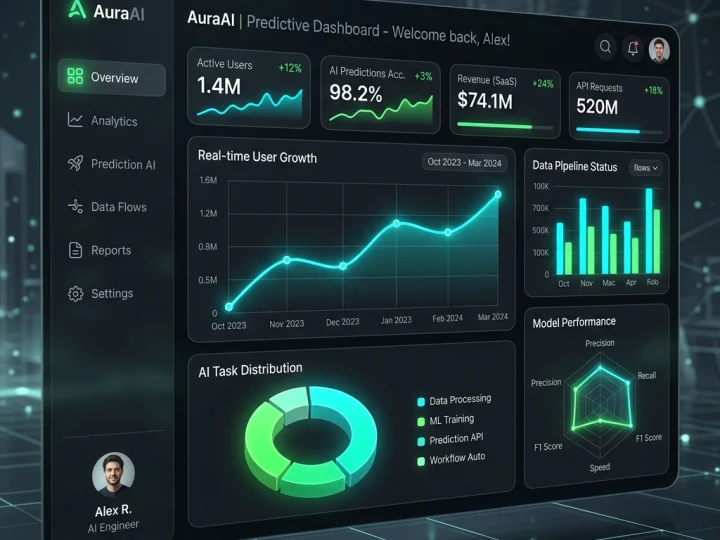 Nexus AI
A founding team needed a working product to put in front of investors — without an in-house engineering team and without a year of development.
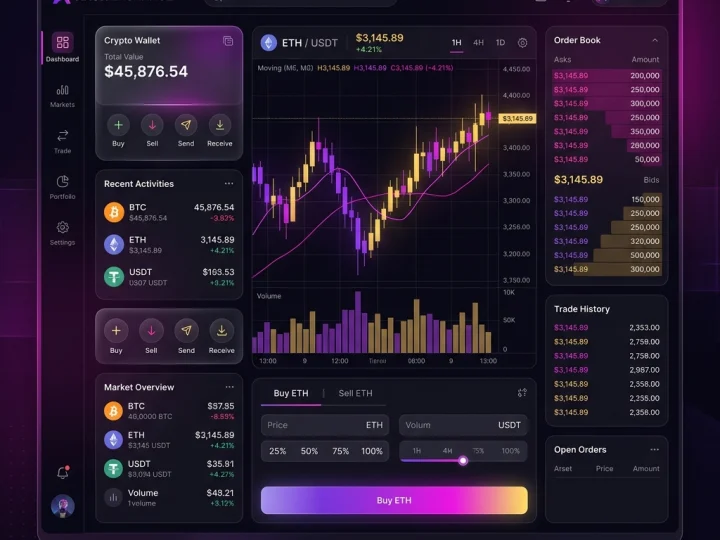
Read case study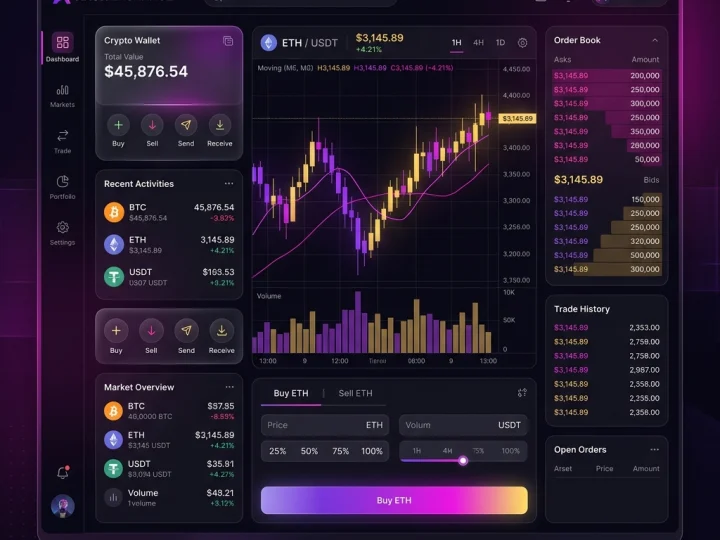 CryptoFlow
Active traders needed institutional-grade speed and cross-chain liquidity in one terminal, on a web app that stays readable while every number on screen keeps moving.
Read case studyCustom themes, plugins and integrations on WordPress — lean, fast and structured so your team can edit pages confidently instead of being afraid to touch them.
Learn moreWeb applications, dashboards and high-performance sites built in React and Next.js — typed, tested and structured so the next developer can read them.
Learn moreA custom storefront in Next.js or Hydrogen, running on Shopify’s commerce engine and checkout — for brands whose experience no longer fits inside a theme.
Learn moreCore Web Vitals, page speed and server tuning for WordPress, WooCommerce and Shopify — measured on mid-range devices and real connections, not on a developer’s laptop.
Learn moreWhat businesses ask before committing to a headless build.
Still have a question? Ask us on WhatsAppTell us what you're trying to build, improve or automate.
Start your project



Trusted by 50+ founders & tech leaders worldwide