Marketing sites on Next.js
Fast, statically generated sites with a CMS behind them for content.
Web applications, dashboards and high-performance sites built in React and Next.js — typed, tested and structured so the next developer can read them.
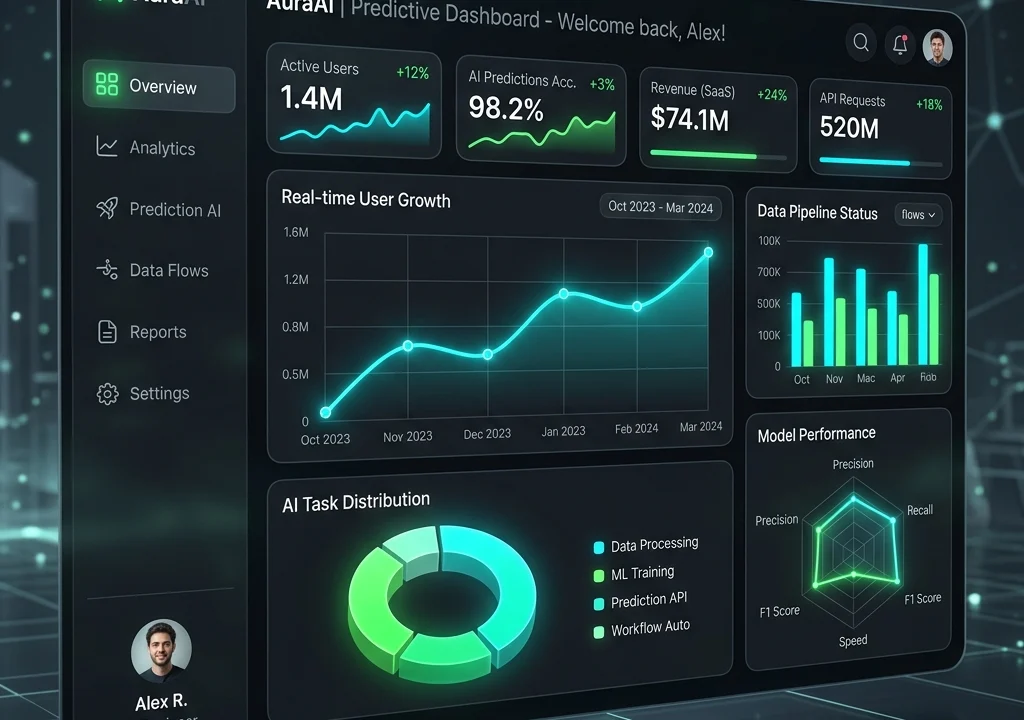
Starting a React project takes one command. Keeping it healthy two years later is the hard part, and it is where most of the cost of a front-end application actually lives. Codebases rot when every screen invents its own patterns, when state is scattered, and when nobody wrote down why a decision was made.
We build React and Next.js applications the boring way: a small set of conventions, TypeScript throughout, components that do one thing, and tests on the parts that would hurt most if they broke. None of that is exciting. All of it is why the second year of a project costs less than the first.
Next.js is our default for anything with public pages, because it lets each route choose how it renders — static where content rarely changes, server-rendered where it must be current, client-side where the page is really an application. That flexibility is what makes a marketing site fast and a dashboard responsive within the same codebase.
Three things that decide whether a front-end project ages well.
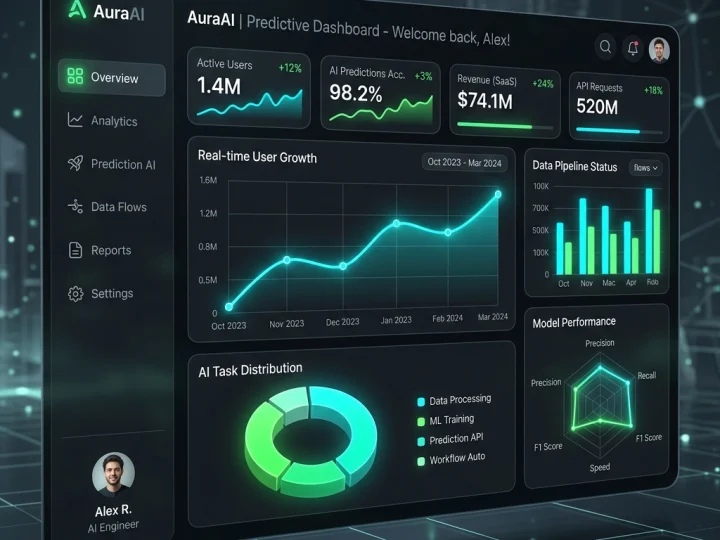
A marketing page should be static and served from a CDN. A dashboard should not be. Choosing per route, rather than picking one mode for the whole app, is the single biggest performance decision in a Next.js project.
Typed props, predictable folders, shared UI components and one way to fetch data. A new developer should be able to find things without a guided tour, because at some point one of them will be.

Real buttons, labelled inputs, visible focus, sensible headings. It is cheap to do while building and expensive to retrofit, and it makes the product usable for more people and more robust for everyone.
Front-end work from a single fast marketing site to a full product interface.
Fast, statically generated sites with a CMS behind them for content.
Data-heavy interfaces with tables, filters and charts that stay responsive.
Product interfaces with authentication, roles, billing and real-time updates.
A documented component library so future screens look consistent without redesign.
Taking over an unmaintained React codebase, documenting it and making it safe to change.
Bundle size, rendering strategy, images and caching on an existing React or Next.js app.
Anyone can ship a React app. The bill arrives in year two.
Talk about your projectThe shapes React and Next.js work usually arrives in.
The interface your customers log into every day.
Admin panels and operations dashboards that replace spreadsheets.
The storefront or site in front of WordPress, Shopify or an API.
Interactive tools that a CMS template cannot express.
A first working version, scoped tightly enough to ship and learn from.
Inheriting an existing codebase and making it maintainable again.
Mature tools with large communities, chosen so you can hire for them.
Typed components and predictable state.
Routing, rendering strategies and edge deployment.
REST or GraphQL against your backend, WordPress, Shopify or Laravel.
Automated checks on the parts that would hurt most if they broke.
Five stages with working software to look at from early on.
What the product must do, who uses it, and which constraints are fixed. Scope, timeline and a fixed estimate follow.
Rendering strategy, data flow, folder structure and the conventions everyone will follow.
Screens and states — including empty, loading and error states, which are where most interfaces fall apart.
Shipped in slices to a staging environment, so you can use it rather than read about it.
Deployment, monitoring, documentation and a walkthrough for whoever maintains it next.
A focused build runs 6–14 weeks depending on how much product there is. MVPs can be shorter; platforms are longer.
| Stage | Typical time | What you receive |
|---|---|---|
| Discovery & scope | 1 week | Requirements, architecture note, fixed estimate |
| Design | 1–3 weeks | Screens and states for every core flow |
| Core build | 3–6 weeks | Working slices on staging, reviewed as they land |
| Integrations & polish | 1–3 weeks | APIs connected, edge cases, accessibility, performance |
| Launch & handover | 1 week | Deployment, monitoring, documentation, training |
Front-end work is quoted after a short discovery, because the number of screens and states drives almost everything. Larger products can be phased so the first release is smaller and sooner.
Get your estimateThe symptoms that usually bring an existing React codebase to us.
Ask for a code review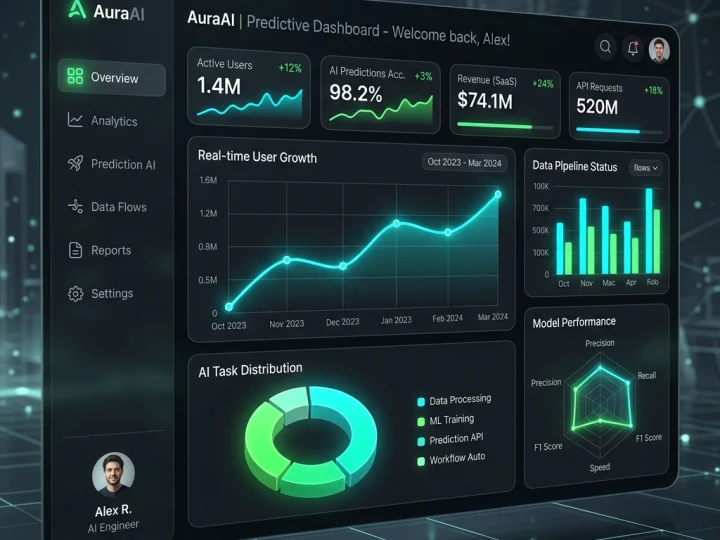 Nexus AI
A founding team needed a working product to put in front of investors — without an in-house engineering team and without a year of development.
Read case study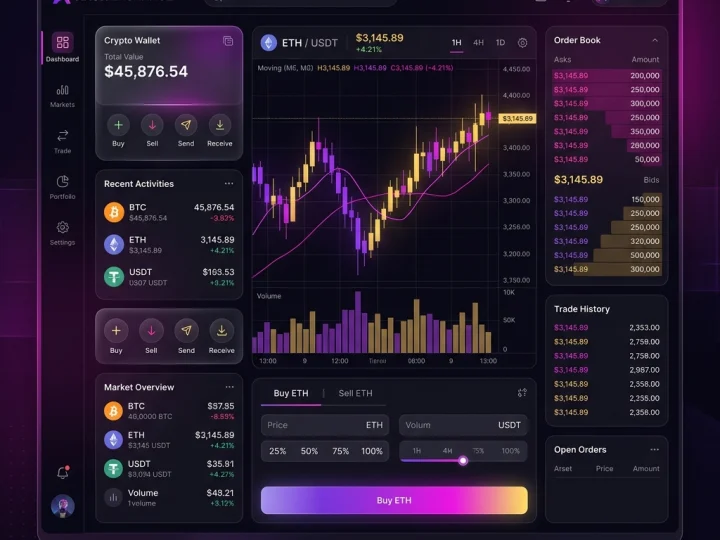 CryptoFlow
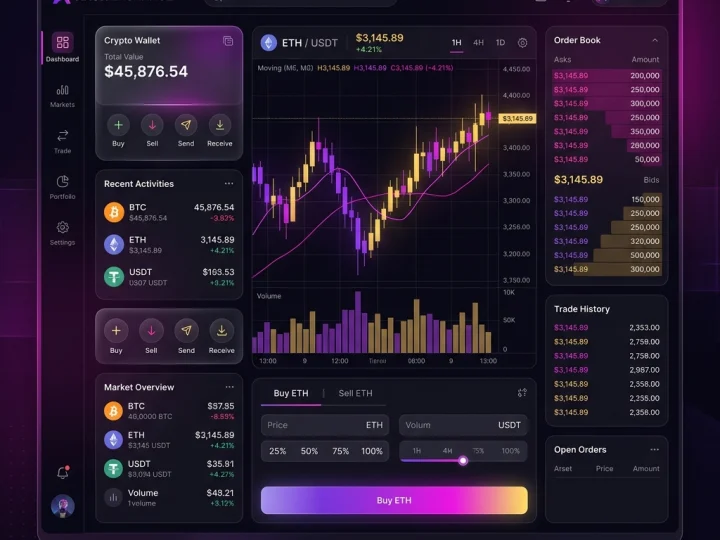
Active traders needed institutional-grade speed and cross-chain liquidity in one terminal, on a web app that stays readable while every number on screen keeps moving.
Read case studyHeadless WordPress keeps the editor your team already uses and replaces the theme with a modern React or Next.js front end — faster pages, no plugin bloat, and content that can feed more than one place.
Learn moreA custom storefront in Next.js or Hydrogen, running on Shopify’s commerce engine and checkout — for brands whose experience no longer fits inside a theme.
Learn moreLaravel applications, APIs and portals — built for businesses whose workflow does not fit any off-the-shelf tool, and maintained so they still work in three years.
Learn moreCore Web Vitals, page speed and server tuning for WordPress, WooCommerce and Shopify — measured on mid-range devices and real connections, not on a developer’s laptop.
Learn moreWhat clients ask before starting a front-end project.
Still have a question? Ask us on WhatsAppTell us what you're trying to build, improve or automate.
Start your project



Trusted by 50+ founders & tech leaders worldwide